Build Your Knowledge Base
Create comprehensive knowledge bases to power your AI agents with accurate, up-to-date information
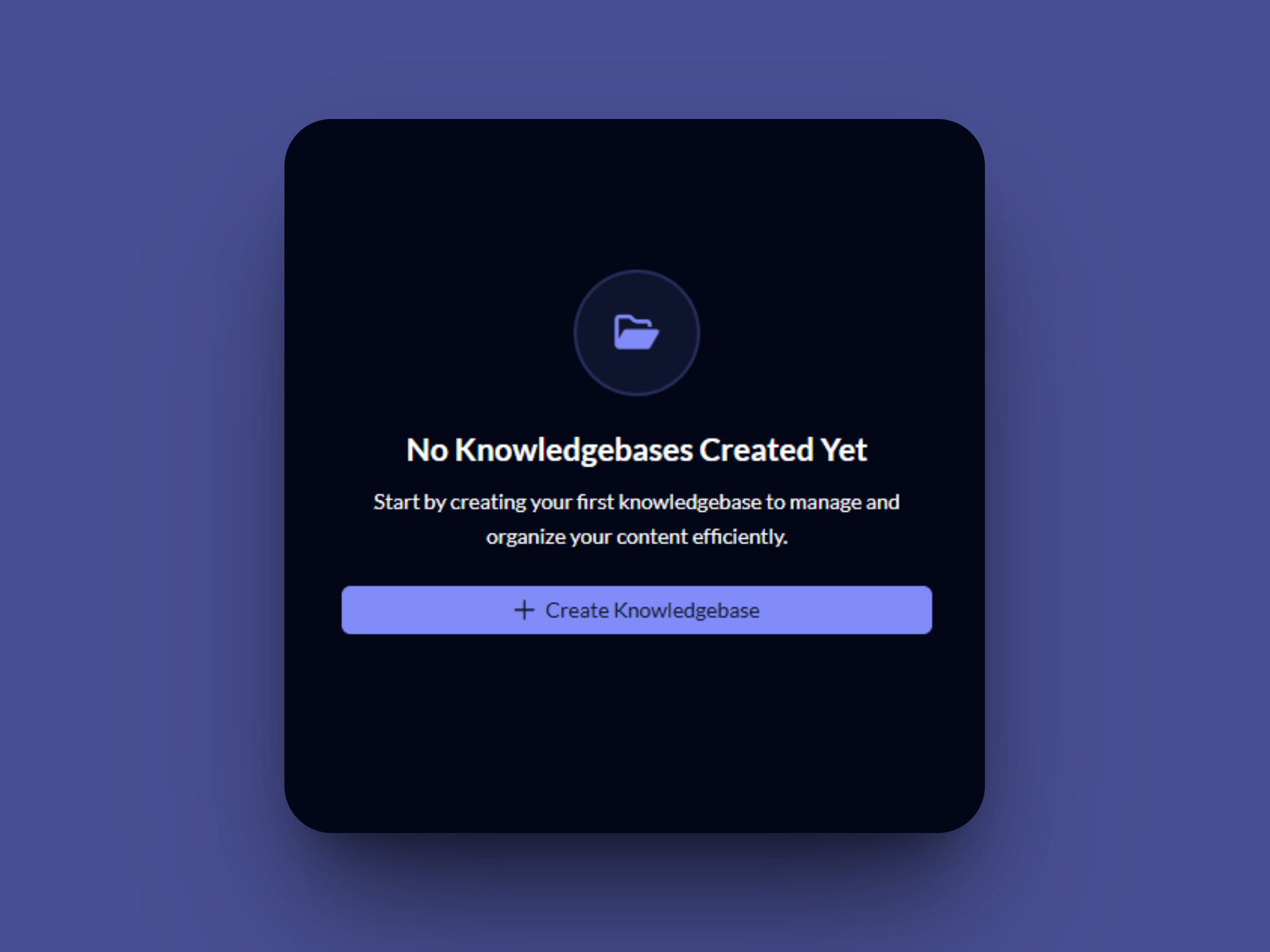
No Knowledge Bases Created Yet
Start by creating your first knowledge base to manage and organize your content efficiently. Click the "Create Knowledgebase" button to begin.
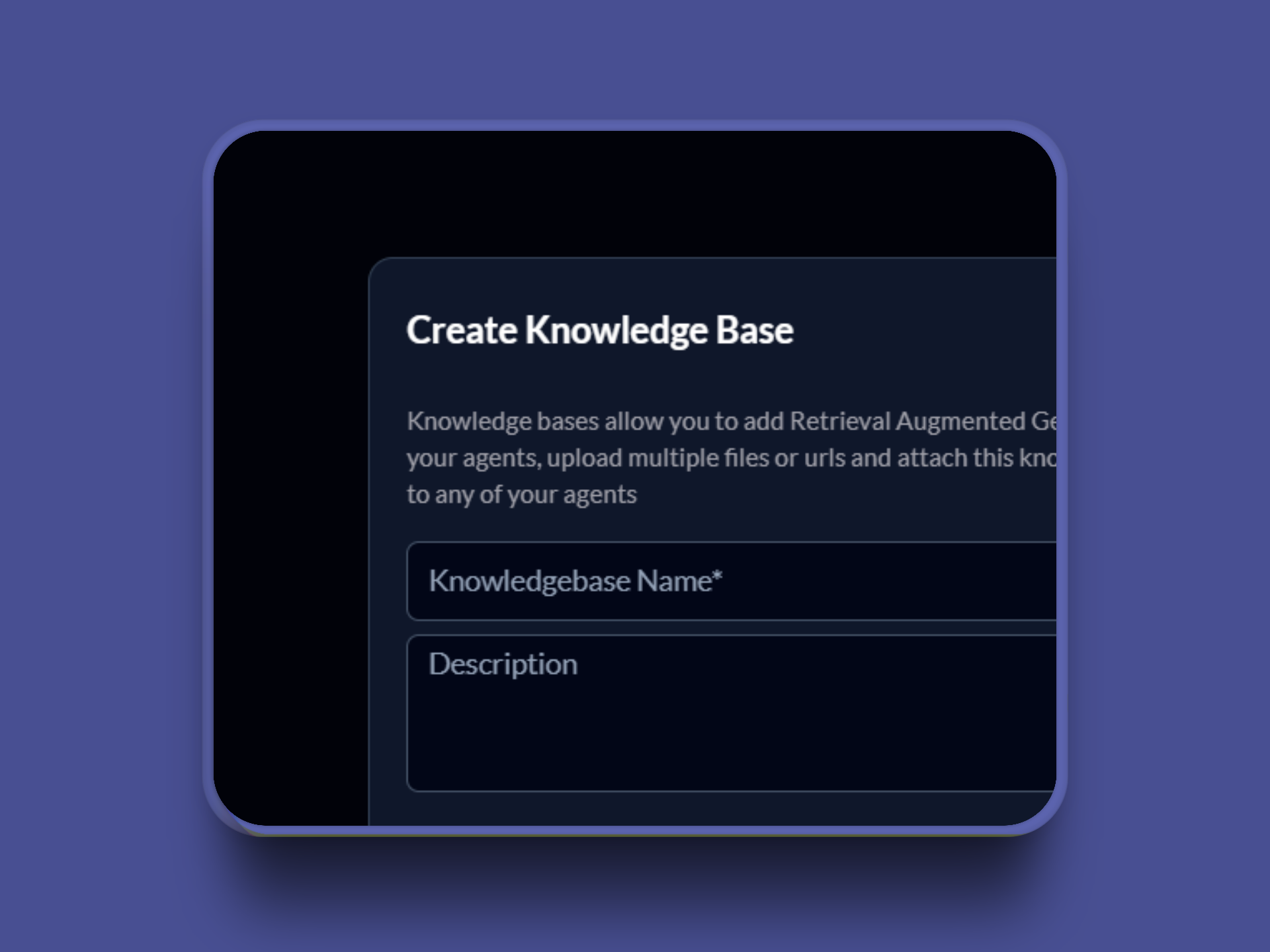
Basic Information
Enter essential details for your knowledge base including a descriptive name and optional description to help organize your content.
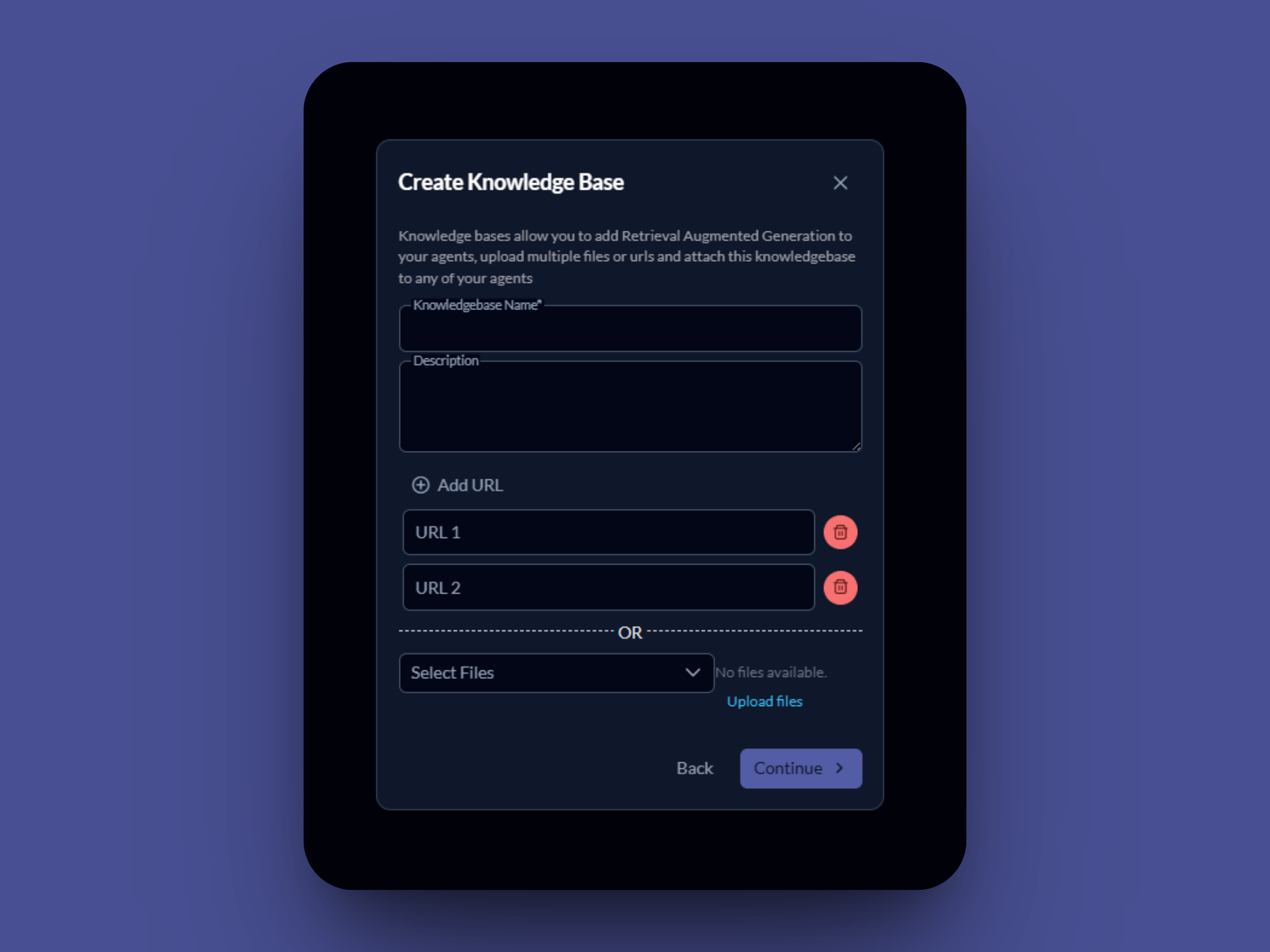
Add URLs
Add multiple URLs as content sources for your knowledge base. These can be documentation sites, articles, or any web content you want to include.
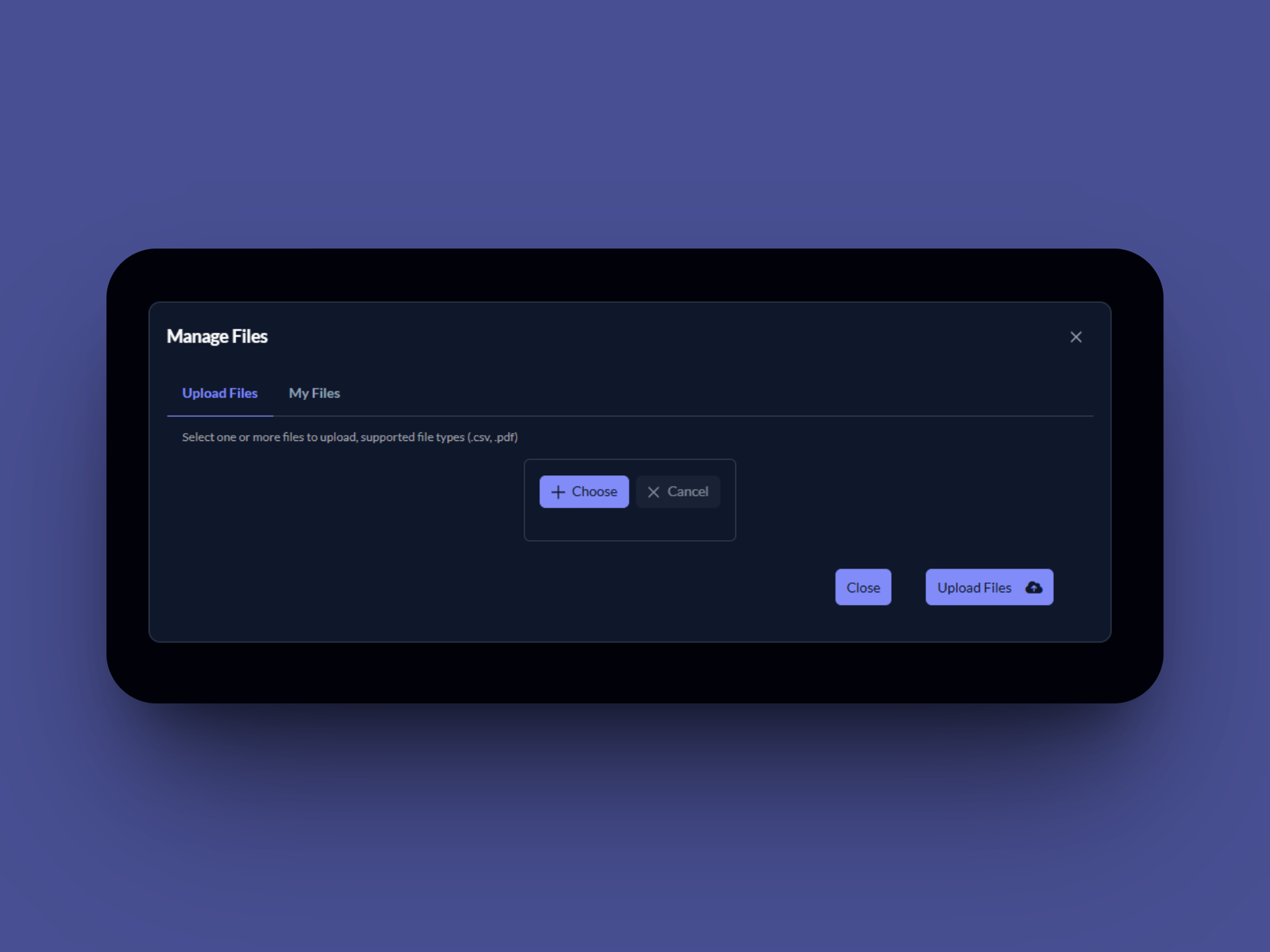
Upload Files
Upload documents, PDFs, CSV files, and other supported formats to build your knowledge base content library.
Knowledge Base Ready
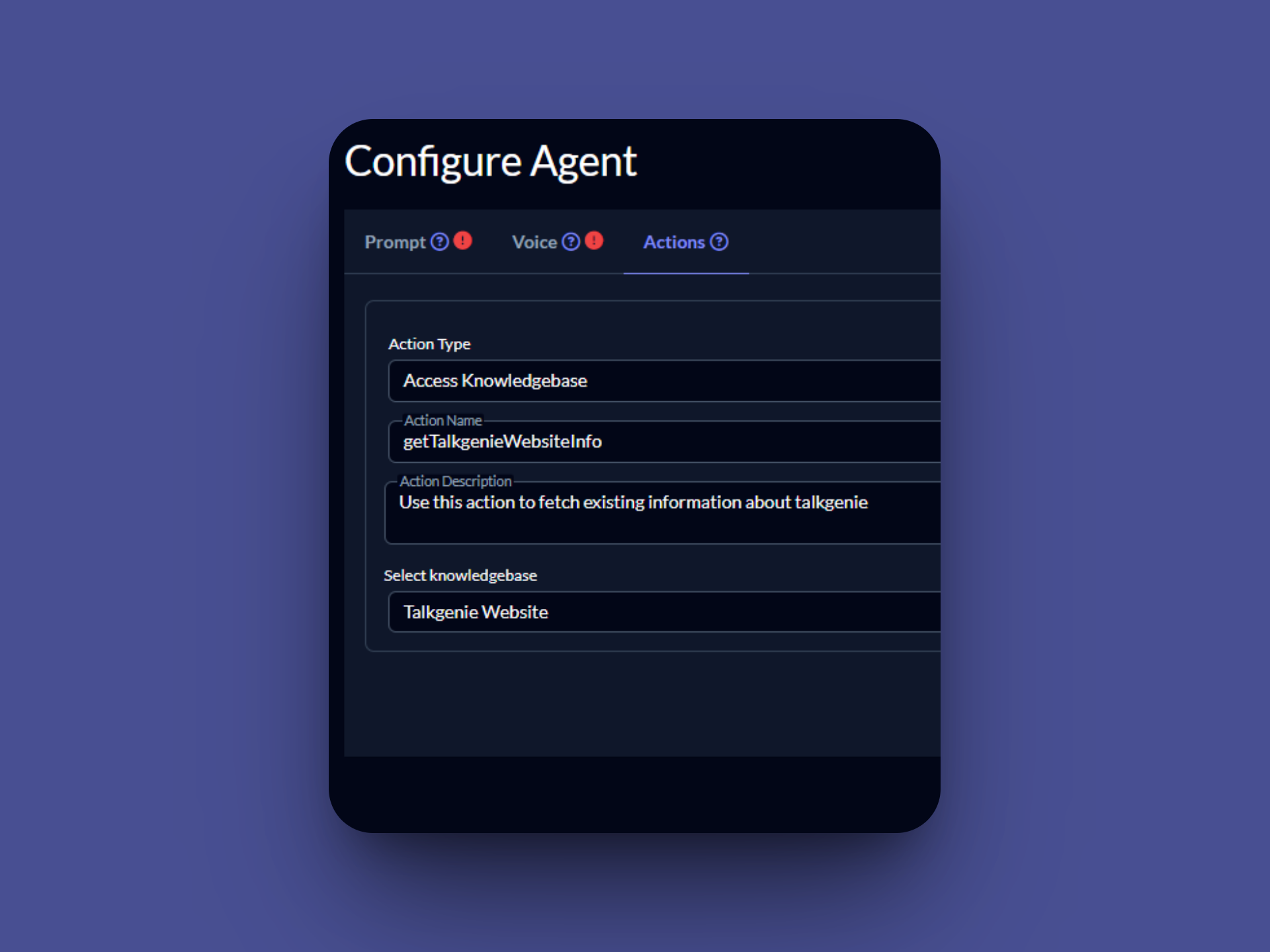
Your knowledge base is now ready to use! You can attach it to any of your AI agents to provide them with accurate, contextual information.
Book a live demo
See how Talkgenie AI operates, learn how to sync your custom knowledge bases, and explore how our mobile apps keep your team in control on the go.
15-minute walkthrough · Live Q&A · Setup guidance
Loading calendar…